The practical answer
A hotel dining page should help people understand the venue, the food information available and how to enquire or reserve. Explain current practical details without assuming that every visitor is already a hotel guest. Keep menus and service information maintained, with appropriate routes for individual dietary or accessibility questions.
For implementation support, explore our content strategy services.
Identify the different dining visitors you serve
Ask the restaurant and reservations teams which needs the page should answer. Hotel guests, local visitors and people organising a group meal may need different information. Confirm which audiences the venue actually accommodates and avoid suggesting access or services that are not available. For an illustrative local diner, the first questions may concern the menu and reservation route rather than room accommodation. Describe the restaurant in clear language and connect it with the property honestly. The page should help a person recognise whether the dining option fits their plan before they contact staff.
Present current menu information accessibly
Use readable text or an accessible format that works on a phone, rather than relying only on a photograph of a printed menu. Explain where the menu or price may change and assign someone to maintain published information. Do not leave an old promotional menu visible after the offer ends. A common mistake is creating a beautifully designed image whose small text cannot be read comfortably or checked easily by assistive technology. If a downloadable menu is provided, make its purpose and currency clear and offer an appropriate contact route for questions that need confirmation.
Use representative imagery with clear context
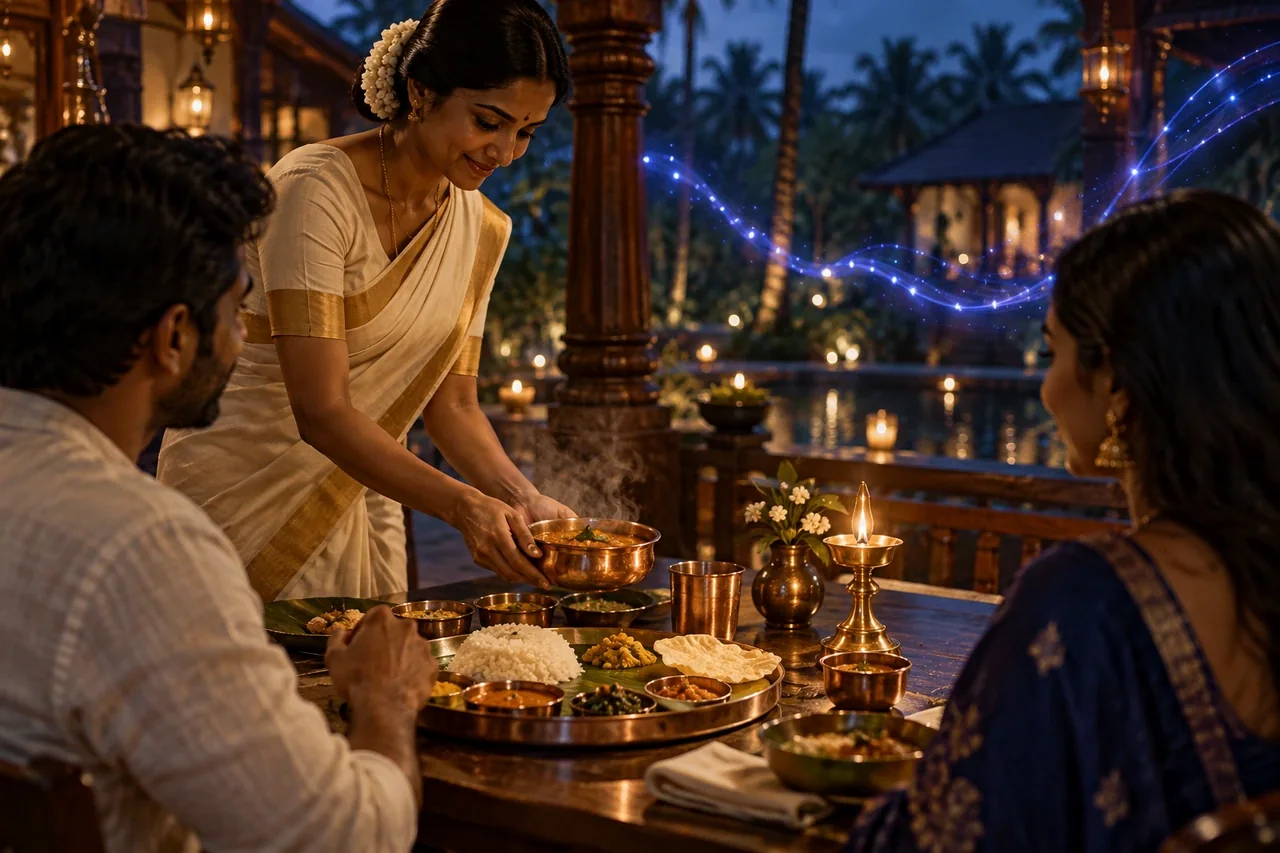
Show current photographs of the venue and food where permission and production standards allow. Clarify when an image is illustrative and avoid presenting a stock photograph as an actual dish served by the restaurant. Do not imply that a particular table arrangement or view is guaranteed for every reservation. Give informative images useful alternative text on the website and avoid repeating captions mechanically in every field. For an illustrative group-dining setup, explain that the arrangement is an example if the actual configuration depends on the confirmed requirement and operational availability.
Explain reservations and individual needs responsibly
Provide a visible route to enquire or reserve, and state whether the action sends a request or confirms a booking. Keep telephone, email and online routes aligned with the team handling them. Explain how visitors can discuss dietary or accessibility needs without promising that every request can be accommodated. Staff must confirm the relevant arrangements directly. Avoid placing sensitive personal details into public comments or unnecessary website fields. A clear process helps guests prepare and gives the restaurant an opportunity to assess the request accurately before anyone treats it as a confirmed commitment.
Connect dining information with the wider stay
Link to relevant accommodation or facility information where it helps the visitor, while allowing the dining page to remain useful on its own. Check consistency across the website, approved business listings and staff replies. Review recurring questions and update the page when menus, service arrangements or reservation processes change. Do not interpret every click as a restaurant booking or claim unmeasured revenue improvements. A credible dining page supports discovery and planning through accurate information, readable presentation and a dependable route to the team who can confirm the specific visit.
Write for guests and local diners
A dining page may serve overnight guests, local visitors and people considering a group occasion. Explain who can enquire and what the venue offers without assuming that everyone is already staying at the hotel. Different visitors need different practical details.
Keep the main venue explanation clear before adding promotional language. Cuisine, service arrangements and the route to current menu information help a reader assess suitability. Impressive adjectives cannot replace these basics.
Maintain menus as usable information
Where possible, provide readable menu information on the page or through an accessible document. Identify the version or review date when it helps prevent confusion. A photograph of a menu may be difficult to read and maintain.
If offerings vary, explain how guests can confirm the current selection. Avoid allowing an old download to contradict the page. The dining team should approve substantive changes to dishes, prices and availability.
Use images without misrepresenting the venue
Genuine photographs should accurately represent the food and setting being described. Conceptual AI images can support a theme, but should not be presented as documentary photographs of the actual restaurant or a dish currently served.
Give meaningful context where an image might otherwise create a false expectation. Do not use unrelated luxury interiors to imply facilities the property does not have. Visual appeal should support the real offer.
Explain reservation and individual enquiry routes
State how a diner can ask about a table, group requirement or specific need. Distinguish an enquiry from a confirmed reservation. If the website cannot make a live booking, its button should not imply that a table is immediately secured.
Provide verified general information and invite direct discussion of dietary or accessibility needs. Avoid universal assurances without operational confirmation. The page should make the next conversation easier, not pre-approve arrangements on behalf of the restaurant.
Connect dining with the wider property content
Link relevant stay, occasion and contact information where it helps the reader. A local diner should still be able to use the page without navigating through room-booking material. Keep each route aligned with the visitor’s purpose.
Review dining information when service hours, menus or venue arrangements change. Include old campaign pages and downloadable material in the check so the website does not continue circulating incompatible details.
An illustrative dining-page improvement
A hotel page contains a large image and a booking button but little practical information. The revision adds a clear venue introduction, current menu access, verified contact arrangements and an explanation that enquiries require confirmation.
The team distinguishes actual venue photography from conceptual artwork and checks the page on mobile. The result gives diners a clearer basis for a conversation without claiming that a design change alone guarantees more reservations.
Check the path from menu interest to confirmed arrangement
Follow a hypothetical diner from the venue introduction to the current menu and then to the enquiry route. At each step, check whether the information still describes the same offer. A page should not show one menu, link an older document and then use a reservation message with different conditions. Ask the dining team to confirm the details that could affect the visitor’s decision.
Test the route for someone who is not an overnight guest and for someone asking about a group or individual requirement. The page should identify where a conversation is needed without pretending to confirm an arrangement automatically. Keep promotional imagery subordinate to these practical checks. An attractive dining page earns its presentation by making the real venue and the next step understandable, not by substituting a conceptual scene for verified information.
Your action checklist
- Confirm which guests and local visitors the venue serves.
- Provide readable and maintained menu information.
- Use photographs that represent the actual venue and food.
- Distinguish a reservation request from a confirmed booking.
- Update practical details with restaurant-team feedback.
Common questions
Can restaurant menus be uploaded only as images?
An image can supplement the presentation, but visitors also need a readable, accessible way to understand the information. Check mobile legibility and provide a suitable alternative format or contact route. Keep the current version identifiable and remove obsolete offers.
Should the page guarantee dietary arrangements?
Publish only what the restaurant can confirm accurately. Individual requirements may need a direct discussion with the appropriate team. Explain that process clearly and avoid a broad guarantee that could create an unsafe or misleading expectation.
Continue exploring hospitality marketing
Help guests compare stays, understand the property and move towards a confident direct enquiry.
- Digital marketing for hotels: connect discovery with direct booking
- Create Hotel Room Pages That Help Guests Compare and Book
- Plan Hotel Destination Guides Around Real Guest Questions
- Improve Hotel Enquiry Journeys for Events and Group Stays
- Connect Hotel Social Content With Direct Booking Information
- Build Hotel Pre-Arrival FAQs That Help Guests Prepare
Put the next step into practice
Discuss your website, target audience and business priorities with SEO Optimizer in Chennai.
Explore content writing and strategy →Discuss your project
Prepared by P S Raghunath. Examples are illustrative; outcomes depend on the business, market and implementation. AI-generated editorial imagery illustrates the subject and does not depict actual customers, employees or client results.