The practical answer
Publish hotel accessibility information as a set of verified facts about the guest journey: arrival, entrances, routes, rooms, bathrooms, shared facilities and the assistance that can actually be arranged. Explain current limitations and provide a dependable way to clarify individual requirements. A broad “accessible” label cannot tell every guest whether a particular stay will work for them.
Guests may need to evaluate several connected details before choosing accommodation. A room can have useful features while the route to it includes an unexpected obstacle. A restaurant can be reached independently while the route from the guest room is different. Information that describes only one isolated feature can therefore be technically true but practically incomplete.
This guide is a publishing and verification workflow for hospitality teams. It does not establish compliance with building rules, certify a property or tell a guest which facilities will meet their individual requirements. Those judgements need appropriate property expertise and, where relevant, professional assessment. The marketing task is to make the available evidence clear, current and easy to discuss without inventing a hotel's features or concealing known limits.
1. Start with the questions a guest needs to answer
Organise the information around a stay rather than a collection of promotional claims. Guests may need to know how they will arrive, which entrance they will use, how they will reach the room, what the bathroom contains and whether shared facilities can be reached through the same route. The useful unit is the connected journey, not an isolated icon beside a room name.
Different guests will make different choices from the same facts. One person may focus on step-free access, another on hearing support, another on lighting, noise, wayfinding or a quieter place to wait. Avoid assuming that a single category of impairment describes every person's requirements. Publish the features and conditions that allow the guest to assess the stay or ask a focused question.
Separate a feature from a suitability conclusion
“Lift serves the first floor” describes one feature. It does not establish that the route into the lift, the lift dimensions, the onward corridor and the room arrangement will work for every visitor. A general statement such as “suitable for all guests” hides those unanswered questions. Use factual descriptions with an identified scope instead of a universal conclusion.
Where a recognised assessment or external access guide exists, identify what was assessed, when it was checked and where the detailed information can be read. Do not imply that an assessment covers later alterations or facilities outside its scope. If a feature is still being verified, describe the uncertainty rather than converting an incomplete check into a reassuring badge.
Use questions from actual planning conversations
Review the types of questions received through reservations and pre-arrival enquiries, using appropriate privacy controls. Look for recurring gaps such as the route from parking, bathroom layout, the location of a quieter room or whether a requested item must be arranged in advance. The purpose is to identify information needs, not to publish private guest stories.
VisitEngland's current guidance distinguishes readily discoverable key features from more detailed access information that helps people make personal choices. A hotel can use that distinction to structure its own page: a clear summary for initial research, followed by the evidence and contact route needed for a more specific decision. The property's actual facts must come from its own verified information.
2. Map the arrival route from outside to the room
Begin outside the property. Identify the relevant drop-off point, parking arrangement and entrance route, including any alternative entrance that is used for a particular access path. Explain whether a guest must contact the team before arrival and which team can confirm the arrangement. A photograph of the lobby does not explain how someone reaches it from the street.
Describe the route in a consistent direction. For example, specify that the description begins at the public entrance and continues towards reception. If photographs show a doorway from inside rather than outside, label the viewpoint. Directional language such as left and right becomes unreliable when the reader does not know where the observer is standing.
Record transitions and dependencies
An arrival route may pass through a gate, surface change, doorway, lift, corridor or another controlled point. Record the relevant facts at each transition and note any dependency, such as a door normally opened by staff or an entrance available only during certain operating hours. The route is only as useful as the least clear transition.
Do not quietly omit a less convenient part of the journey. If an alternative entrance is around another side of the building, explain the route and how the guest can identify it. If a surface or threshold requires specific review, record the verified detail and the limits of the information. Promotional brevity should not remove the fact that determines whether the route is practical.
Describe shared facilities as separate destinations
The path to reception may differ from the path to breakfast, a meeting room, a pool area or a restaurant. Identify each destination a guest is likely to evaluate and describe how it connects to the relevant arrival or room route. Avoid implying that a verified route to one facility establishes access to every facility on the property.
For a large or complex hotel, use a simple route index with descriptive links. Each route can show its starting point, destination, key transitions, checked date and contact for clarification. A readable text description should accompany any visual map. The goal is to help a visitor locate the appropriate information without requiring them to interpret a complicated floor plan alone.
| Guest journey stage | Information to verify | Common gap to avoid |
|---|---|---|
| Street or drop-off to entrance | Identifiable arrival point and route | Describing only the lobby |
| Entrance to reception | Door and route conditions | Omitting a staff-dependent transition |
| Reception to room | Lift, corridor and room-location facts | Treating one lift feature as the whole route |
| Room to dining | Actual connection to the dining area | Assuming every guest uses the same path |
| Public venue access | Independent entrance and relevant facilities | Reusing hotel-room directions for an event |
3. Build an evidence register before writing the page
For every consequential claim, identify the property area, the fact being described, the source of verification, the responsible person and the date checked. A facilities record, an appropriate professional assessment and a current photograph can support different parts of the information. Keep their roles distinct so an editor knows what the evidence establishes and what it leaves unanswered.
Do not treat a previous website sentence as independent proof. The old copy may itself be based on an assumption, an outdated room configuration or a feature available only in part of the property. Trace the claim back to a source that can be reviewed. Where that source is unavailable, mark the detail for confirmation rather than repeating it with more confident language.
Link facts to specific locations
A statement about a doorway should identify which doorway it describes. A bathroom feature should identify the relevant room or room configuration. A route condition should identify its beginning and destination. This prevents a detail verified in one area from gradually spreading into a generic claim about the entire hotel.
Use identifiers that staff can recognise internally and public labels that guests can understand. An internal room code can help the team locate evidence, but it should not be the only explanation on the website. Connect it to the current room name or a clear description of the room category and the limits of that category.
Preserve uncertainty as a visible state
Useful internal states include verified current, awaiting confirmation, temporarily unavailable and superseded. Define who can move a claim between states and what evidence is required. A page editor should not have to guess whether a missing field means that a feature does not exist or that nobody has checked it yet.
Keep an evidence note even when the public statement is short. The public page might state a verified route fact and offer further details on request, while the internal record retains the relevant measurement, photograph and reviewer. This makes future corrections easier and reduces dependence on one employee's recollection.
4. Present measurements with enough context to be useful
Where measurements are relevant, use an appropriate verification method and describe exactly what was measured. A number without context can mislead. The clear opening of a doorway is different from the width of a decorative frame, and a measurement taken with furniture moved may not describe the normal guest arrangement. The publishing record should preserve the method and conditions.
Use consistent units and keep the original verified value. If a second unit is offered for convenience, check the conversion and label it clearly. Avoid rounding that hides a material distinction. The hotel should seek appropriate assessment expertise for the physical details; a marketing editor should not invent thresholds or certify that a dimension meets every applicable requirement.
Explain conditions that affect the measurement
Record whether the relevant space is normally clear, whether a movable item was present and whether the measurement relates to a particular room configuration. If a bed, table or portable item can move, explain which arrangement the published information describes. Do not assume that a photograph from one setup establishes the available space in every configuration.
Where a detailed access guide supplies the measurements, link to that guide and keep the summary consistent with it. VisitEngland's information resources describe detailed guides using measurements and photographs to support individual planning. The lesson for a hotel page is to retain the supporting context, not to copy another property's dimensions or present an illustrative diagram as a survey.
Review numbers as meaning, not formatting
A unit conversion, decimal separator or translated label can alter the practical meaning. The person reviewing a language edition should check the source value, unit and location together. Automated translation finishing without an error does not establish that an important dimensional distinction survived correctly.
Include numerical checks in the content release. Confirm that the displayed value matches the approved evidence, the description identifies the relevant feature and any diagram uses the same orientation and location. A typographically neat table is not sufficient when its number describes the wrong doorway or a superseded room layout.
5. Show room and bathroom information at the right level
A room-category name may contain several layouts. Identify whether the described features apply to every room in that category or only to particular rooms. If allocation matters, explain the process for discussing the required features and confirming the relevant arrangement. Do not let a generic room image imply that all rooms share the pictured configuration.
Describe the facts guests are likely to evaluate, including the relationship between the entrance, bed area, bathroom and any relevant in-room controls or equipment. Use a consistent format across comparable rooms so people can find the same kind of information. Keep limitations visible beside the related detail instead of burying them in an unrelated policy page.
Distinguish a requested feature from a confirmed allocation
A guest noting a requirement in an enquiry is not the same as the property confirming a particular room or item. Explain how the team reviews the request and communicates the arrangement. If a feature depends on a specific allocation, the final confirmation should identify what has actually been agreed rather than repeat an ambiguous general category.
This distinction matters when the website links to an external booking system. Verify what that system records, which information reaches the property team and how a guest can clarify an unanswered question. Do not assume that a free-text note is reviewed before allocation unless the operating process supports that claim.
Avoid presenting every bathroom under one label
A bathroom description should identify relevant features and their configuration rather than rely on a broad term alone. Photographs, clear text and appropriately verified measurements can help explain the arrangement. Keep the distinction between a feature being installed and the space around it being described accurately.
If a configuration changes during maintenance, update the relevant room information and allocation notes together. The guest should not discover that the website described a previous arrangement only after arriving. A maintenance change can affect the truth of marketing content even when nobody considers it a website project.
6. Cover sensory, communication and orientation information
Accessibility information should not be limited to a single mobility symbol. Guests may need details about communication arrangements, hearing support, lighting, noise, signs, contrast, quieter waiting areas or how to request information in another format. Record the features and assistance that genuinely exist, with their operating conditions, rather than adding a long unverified list.
Use the same evidence discipline as for physical routes. A statement that a hearing support device is available should identify where it is used and how the team checks that it is working. A claim about a quiet room should explain the relevant circumstances without promising that a hotel environment will always be silent. Keep a practical clarification route for questions that cannot be answered by a generic statement.
Describe assistance without assuming a guest's needs
Explain which team can discuss an arrangement and whether advance contact is necessary. Ask about the practical requirement the guest wants the property to address, not for an unnecessary diagnosis or a broad medical history. The initial conversation should collect the information needed to determine what can be supported.
Where an arrangement depends on an external provider or a particular staff role, identify the dependency and confirm it through the appropriate process. Do not turn a possibility into a guaranteed service by mentioning it in promotional copy. A helpful response can state what the property can confirm and what still needs to be checked.
Make orientation instructions concrete
Use recognisable landmarks and consistent destination names. A guest should not encounter one restaurant name on the accessibility page, another in the arrival email and a third on the door sign without an explanation. Record naming changes and temporary diversions where they affect the route.
A text description can supplement a map or photograph by explaining the sequence of places and decisions. Avoid instructions that rely only on colour, an arrow inside an image or a vague phrase such as “follow the signs.” Test the wording with someone who did not write it and ask which transition remains unclear.
7. Use photographs as evidence, not decoration
A useful photograph helps a guest understand a relevant feature or route. Choose views that show the context and the detail needed for the question being answered. A wide view can establish the location, while a closer view can show the particular doorway, surface or arrangement. Label the viewpoint and keep the image tied to the correct property area.
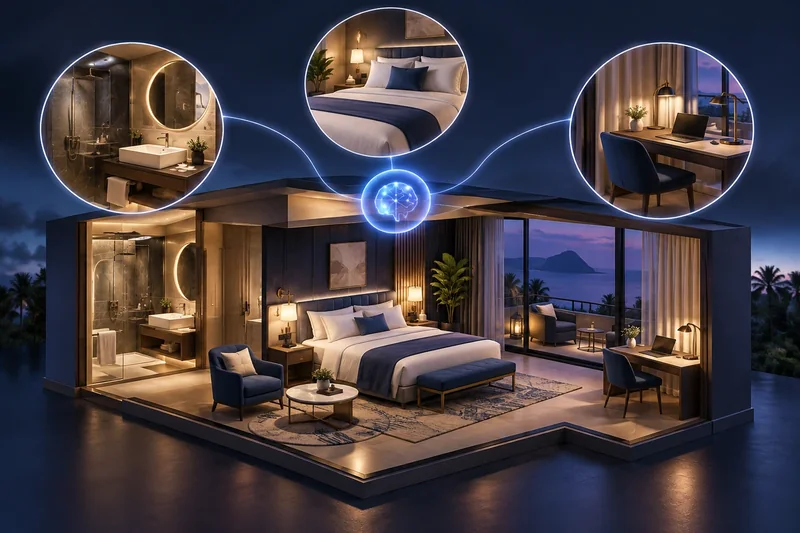
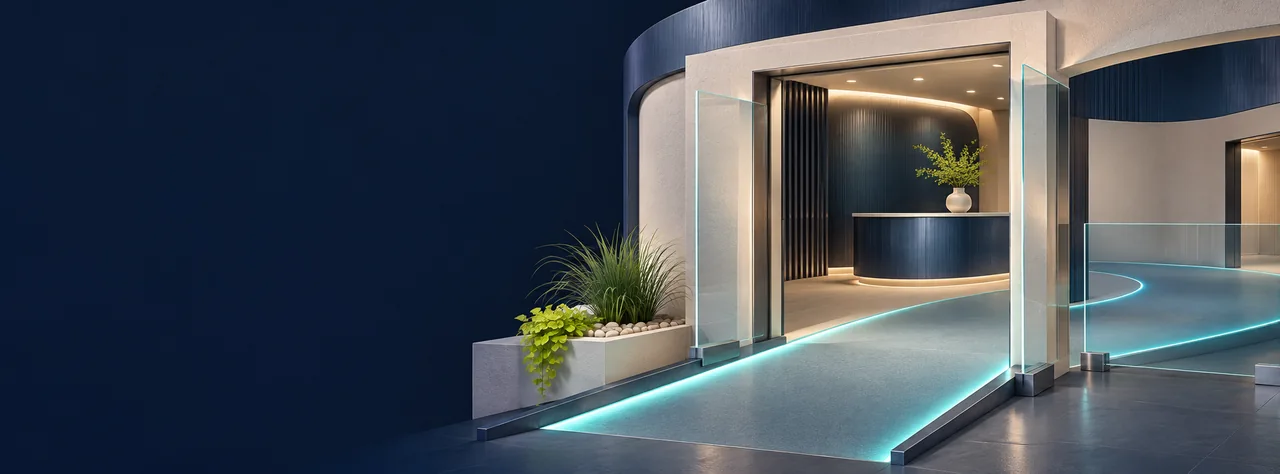
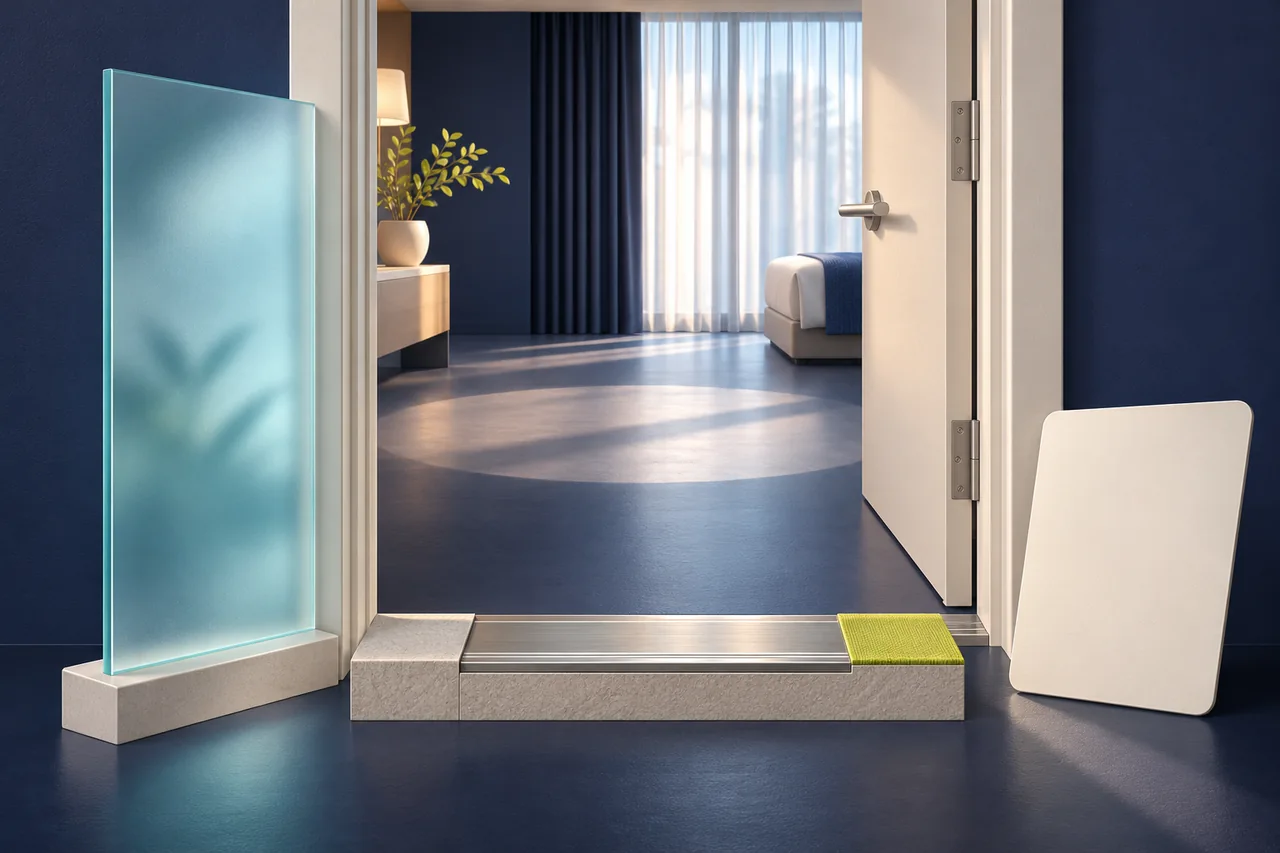
Use current photographs of the actual facilities when the image supports a factual claim. Conceptual or AI-generated artwork may be appropriate for an editorial article, but it must not be presented as visual evidence of a hotel's entrance, room dimensions or equipment. The distinction should remain clear in captions and in the surrounding page content.
Add meaningful text alongside the image
W3C's image guidance distinguishes informative, decorative and functional images. For a photograph that conveys access information, describe the essential information in suitable text and provide an appropriate alternative. A decorative banner has a different purpose from an evidence photograph showing a route transition. Treating both as interchangeable gallery assets can leave an important fact available only visually.
Keep detailed facts in readable page text where possible. A measurement embedded inside a photograph should not be the only accessible form of that information. If a diagram is complex, provide a text explanation that conveys its relevant meaning. These measures support access to the information; they do not establish that the physical facility itself meets a particular standard.
Maintain image provenance
Record when the image was taken, which location it shows and whether the depicted arrangement is still current. A refurbishment, furniture change or route diversion can make an old photograph misleading even if the file remains technically available. Include image review in the same change process as the related textual claims.
Avoid using a photograph from another branch, a similar room or a supplier's catalogue as though it depicts the exact guest arrangement. If an illustrative image is retained for another purpose, label that purpose clearly and do not let it support a factual accessibility statement. The evidence should answer the actual location-specific question.
8. Keep enquiries focused and dependable
Provide a clear route for guests to ask about details not answered on the page. Explain which team will respond and what initial information helps it identify the relevant stay, room or venue. The route should not require the guest to repeat a long personal account across several channels or disclose unnecessary sensitive information in an open enquiry form.
Ask for the practical question, relevant dates where needed, the property or facility and an appropriate response contact. Additional information should have a defined use. W3C's form-instruction guidance supports clear labels, required or optional indicators and instructions available to people using assistive technology. Test the form's instructions and feedback rather than relying on placeholder text alone.
Separate receipt, review and confirmation
A form receipt can acknowledge the question and give a reference. It should not imply that an accessibility arrangement or specific room allocation has been confirmed. The responsible property team needs to review the facts and communicate the arrangement through its actual operating process.
Where a question reaches a central reservations team, ensure it can be assigned to someone with current property knowledge. A generic response copied from a group brochure may not answer a route or room question. Keep the guest-facing reference connected to the internal question so follow-up can locate the earlier discussion reliably.
Turn unresolved questions into content improvements
When several guests ask the same factual question, review whether the website needs a clearer description or additional verified evidence. Do not publish an individual guest's personal details. Extract the general information need, verify the underlying fact and update the relevant page or guide.
If the team cannot yet answer a material question, say what is being checked and provide the next response through a dependable channel. Avoid offering reassurance without evidence merely to keep the conversation moving. A clear statement of an information gap is more useful than a confident answer that the property cannot support.
9. Plan for temporary changes and unavailable features
A current guide should explain how the hotel handles information affected by maintenance, construction, route changes or unavailable equipment. These changes can alter the practical journey even when the hotel's usual description remains true in ordinary conditions. Identify the owner who decides which published claims need a temporary update.
Keep the change location-specific. A lift outage may affect some routes but not others. A restaurant entrance change may matter to event visitors as well as overnight guests. The update should identify the affected facility, the known limitation and the contact route for current information, without inventing an alternative arrangement that has not been verified.
Maintain a dependency map
List the pages, room descriptions, guide files, pre-arrival templates, profile attributes and staff notes that carry the relevant fact. A correction on one page does not automatically update every independently maintained channel. Record which surfaces inherit a shared content field and which require a separate action.
When a feature is restored, verify the current arrangement before returning the old statement. Maintenance can change a route or configuration rather than simply restore it exactly. Keep the previous evidence as history and create a new checked record where the meaning has changed.
Preserve the difference between routine information and safety procedures
The accessibility page can describe how a guest discusses current property arrangements with the appropriate team. It should not invent generic emergency-assistance instructions or imply that an editorial guide replaces the hotel's professionally established procedures. Refer relevant questions to the responsible property staff through the actual process.
Review the wording for overbroad assurances. A page that says assistance is always available needs evidence for the service and its conditions. If an arrangement must be confirmed in advance, state that clearly. Precise information supports planning without pretending that the website can resolve every individual situation.
10. Align public profiles and third-party information
A guest may first encounter the hotel through a map, a travel listing or a partner site. Compare the property's verified information with the attributes and descriptions that can be maintained through those services. Keep a record of the channel, the selected value and the source used to support it.
Google's hotel guidance allows verified hotel profiles to maintain services and amenities through the relevant hotel details controls. Its developer guidance also notes that available attributes vary by category and country and can change. Use the controls actually available to the property rather than assuming that a generic business-profile instruction applies identically to every hotel.
Do not use a short attribute as the whole guide
A profile attribute can help initial discovery, but it cannot necessarily carry the full route, room and condition details a guest needs. Link to appropriate information on the hotel's website where the channel permits it. Keep the short attribute consistent with the evidence without interpreting it as an assessment of every facility.
If an external platform displays an incorrect fact that cannot be edited directly, use its official correction or support route and retain the request. Meanwhile, make the hotel's own current information clear. Do not claim that a requested external correction has already appeared merely because the team submitted it.
Review language editions as equivalent information
A translated page should preserve the property identity, route direction, units, conditions and contact purpose. Have the relevant reviewer compare the meaning with the approved source, especially for negation, temporary limits and whether assistance must be arranged beforehand. A small language error can reverse the practical meaning of a feature statement.
Keep a shared change identifier across the editions. When a source fact changes, identify every language page and downloadable guide that depends on it. Do not update an English summary while leaving another edition's more detailed guide to imply that the previous arrangement remains current.
11. Work through a fictional verification exercise
The following example is entirely fictional. It does not describe an actual hotel, client, access assessment or guest result. Imagine a property with an overnight accommodation building, a dining room and a small event space. The website currently uses one broad accessibility statement and a single lobby photograph for all three areas.
The property team maps the arrival-to-reception route, the routes to relevant room configurations and the separate event entrance. It gathers appropriate current evidence and discovers that the three journeys should not be described as one identical route. It also finds that a dining-room photograph predates a furniture change. The publishing task is to correct those distinctions, not to invent an overall accessibility rating.
Build a fact-level release plan
The team creates separate records for the arrival route, the relevant room arrangement, the dining route and the event entrance. Each record has a location, evidence owner and checked date. A feature still awaiting confirmation remains marked internally as unresolved and is not promoted into a positive public claim.
| Fictional finding | Publishing response | Verification before release |
|---|---|---|
| Two different arrival routes | Explain each route's starting point and destination | Property reviewer checks the complete route description |
| Room layouts vary within a category | State the scope and allocation clarification process | Reservations and property teams confirm the meaning |
| Old dining photograph | Replace or withdraw it as factual evidence | Current image and layout are reviewed together |
| Event entrance differs from hotel entrance | Add venue-specific arrival information | Event team checks the actual guest route |
| One unresolved feature | Offer a focused clarification route without an invented assurance | Named owner completes the outstanding check |
Test the guest's information path
A reviewer starts from a representative room page, opens the accessibility information and locates the relevant route and enquiry contact. Another reviewer follows the event page's directions. The team checks that the two journeys do not send guests to the wrong entrance or use an outdated facility name.
The enquiry confirmation is then reviewed separately. It acknowledges receipt of the question and provides the reference, while the later property response confirms only the facts or arrangements that have actually been checked. The fictional exercise illustrates the operating aim: a guest can identify what is known, what applies to the intended destination and how to clarify the remaining question.
12. Make the verified information easy to find and compare
A detailed guide cannot help a visitor who cannot locate it from the room or venue being considered. Use descriptive links from relevant property, room, dining and event pages. The link should identify the purpose and destination, rather than use the same vague “learn more” label for several unrelated pages. Preserve the relationship between the destination being researched and the information the visitor opens.
Give the page a clear title and a heading that identifies the property and the subject. Organise the main sections around the guest journey and use consistent labels for comparable features. This structure supports people scanning on a phone, using assistive technology or returning to a specific fact during a conversation. It also gives the information a clearer context for search, without promising a particular ranking or search appearance.
Provide a summary and a route to detail
A concise opening summary can identify the principal information available, its checked scope and the contact for clarification. Link each summary point to the relevant detailed section where the page is long. Do not turn the summary into a collection of positive icons while placing all limitations far below. The condition that materially changes a feature's meaning belongs with that feature.
Use consistent field labels where guests compare rooms or facilities. A table can help if its structure remains understandable and usable on smaller screens. Keep the values as readable text, provide appropriate table headings and check how the table behaves when space is limited. A wide table that cuts off the condition column can conceal the very information the format was meant to clarify.
Keep downloadable guides connected to the source
Some guests may want to save or share a guide before travelling. If a downloadable version is offered, identify its property, edition, checked date and relationship to the current web page. Verify that its text and photographs describe the same approved facts. A PDF exported months earlier should not continue circulating as though it reflects a later refurbishment.
Make the main factual information available in an accessible web format as well as considering the accessibility of the file itself. A visually attractive document can still present barriers if important content is only an image or the reading order is confusing. Test the actual exported file rather than assuming that a successful download proves the information is usable.
When replacing a guide, review links from old emails, saved pages and partner listings. Provide a sensible route from an obsolete location to current information where the system allows it. Preserve a clear notice when the meaning has changed materially. The purpose is to help a returning guest find the current facts, not to erase the evidence that an older edition existed.
Check the complete mobile information path
Review the property page, descriptive link, guide sections, photographs and contact form at representative small-screen sizes. Confirm that fixed menus and floating chat controls do not obscure important text or prevent access to a section link. A page that looks orderly on a desktop can still make a route condition or contact action difficult to use on a phone.
Use the same task-based review for translated editions. Check whether longer labels wrap clearly, whether units and negation remain visible, and whether the relevant contact route stays attached to the correct property. Finish with a practical question: can a person researching this particular room or venue find the verified fact and reach the team that can clarify it, without having to guess which page or branch the information describes?
13. Review the information as part of normal hotel operations
Give the information an owner who can receive changes from facilities, rooms, reservations, dining and events. A periodic review can help, but it should not be the only trigger. Alterations to a route, room configuration, equipment or assistance process can require an immediate content check rather than waiting for the next scheduled website refresh.
Record the review date and the meaningful scope of the review. A date updated automatically by a content system does not show that anyone checked the physical facts. Keep the distinction between an editorial wording correction and a new property verification so future reviewers can understand what evidence remains current.
Use enquiries to test clarity without making outcome claims
Review whether guests can find the relevant facts and whether responses refer to the correct property area. Recurring clarification questions can suggest missing information, but they do not establish a universal requirement or a conversion improvement. Use the evidence to improve the description and the operating handover without inventing performance results.
SEOptimizer recommends a practical publishing standard: location-specific facts, a connected guest journey, current evidence and an enquiry process that reaches someone who can answer. Use the pre-arrival FAQ guide to connect that information to the stay, and the room-page guide to keep configuration details clear. The aim is dependable information that supports a guest's own planning decision.
Common questions
Can a hotel use one accessible label for every guest?
A broad label does not explain every route, room configuration or individual requirement. Publish verified features and conditions so guests can evaluate the information and ask focused questions.
Which route should the accessibility page describe?
Describe the connected route from the relevant arrival point to reception, the applicable room and shared facilities. Identify alternative entrances and different venue routes separately.
Should all rooms in a category share the same accessibility description?
Only when the verified features genuinely apply to all of them. Where layouts differ, state the scope and explain how the relevant arrangement is discussed and confirmed.
Can AI-generated pictures prove a hotel feature exists?
No. Conceptual art can illustrate an editorial topic, but actual-facility claims need appropriate current evidence. Do not present a generated image as a photograph or measurement of the property.
Does an enquiry confirmation reserve a particular room or arrangement?
Not by itself. Receipt, staff review and confirmed allocation are separate states. Explain the property process and confirm only what has actually been checked and agreed.
How often should the information be checked?
Use a meaningful review schedule plus change triggers such as maintenance, refurbishment, equipment changes and route diversions. An automatically refreshed page date is not evidence of a physical check.
Does this publishing workflow certify legal or building compliance?
No. It helps organise and communicate verified guest information. Applicable assessment and compliance questions require the appropriate property expertise and professional review.
Sources and further reading
Continue exploring
Put the next step into practice
Discuss your website, target audience and business priorities with SEOptimizer in Chennai.
Explore content writing and strategy →Discuss your project
Prepared by SEOptimizer editorial. Worked examples are hypothetical. Outcomes depend on the business, market and implementation. Conceptual editorial illustrations do not depict actual clients, employees or project results.